Local Qwen 3.6 with llama.cpp
May 9th, 2026
The recent pricing model upheaval around Microsoft's Copilot got me thinking: what if I use that PC I bought to play Reforger on and start running Large Language Models on it instead!
If you haven't heard, Copilot's pricing based on premium requests will be gone with the month of May and the concept of "free models" is also going away with it. It is being replaced by token based pricing.
Before this change takes place, you can run a prompt which will run for an hour, and you would get billed for a single premium request. However, once June comes around, you'll have to pay for all the tokens computed by your single request. This is similar to how other LLM tools are priced.
If you want to read more about it, here's an official discussion from Copilot team on GitHub: https://github.com/orgs/community/discussions/192948
Running things locally
Here's the short and sweet of it, if you're running the same hardware I do:
- Windows OS
- Intel Core Ultra 9 285K with 24 cores
- 64 GB DDR5 RAM
- NVIDIA GeForce RTX 5080
Fire up Powershell and then run this to download a Qwen model (38.5 GB) and start a local llama.cpp server:
llama-server.exe `
    -hf unsloth/Qwen3.6-35B-A3B-GGUF:UD-Q8_K_XL `
    --no-webui `
    --reasoning-budget -1 `
    --batch-size 4096 `
    --ubatch-size 1024 `
    --ctx-size 262144 `
    --no-mmap `
    --no-mmproj `
    --threads 18 `
    --device Vulkan0 `
    --parallel 1 `
    -cram 40960
Once that model is downloaded and our llama server is running, we're ready to use a proper harness to communicate with it. I'm currently most content using OpenCode, so here's a configuration for it. After installation, it will be able to find our locally running model. Just put this configuration into your OpenCode configuration file:
{
  "$schema": "https://opencode.ai/config.json",
  "disabled_providers": ["opencode"],
  "provider": {
    "llama.cpp": {
      "npm": "@ai-sdk/openai-compatible",
      "name": "llama.cpp",
      "options": {
        "baseURL": "http://127.0.0.1:8080/v1"
      },
      "models": {
        "unsloth/Qwen3.6-35B-A3B-GGUF:UD-Q8_K_XL": {
          "name": "unsloth/Qwen3.6-35B-A3B-GGUF:UD-Q8_K_XL",
          "limit": {
            "context": 262144,
            "output": 81920
          }
        }
      }
    }
  }
}
And that's about it when it comes to setup.
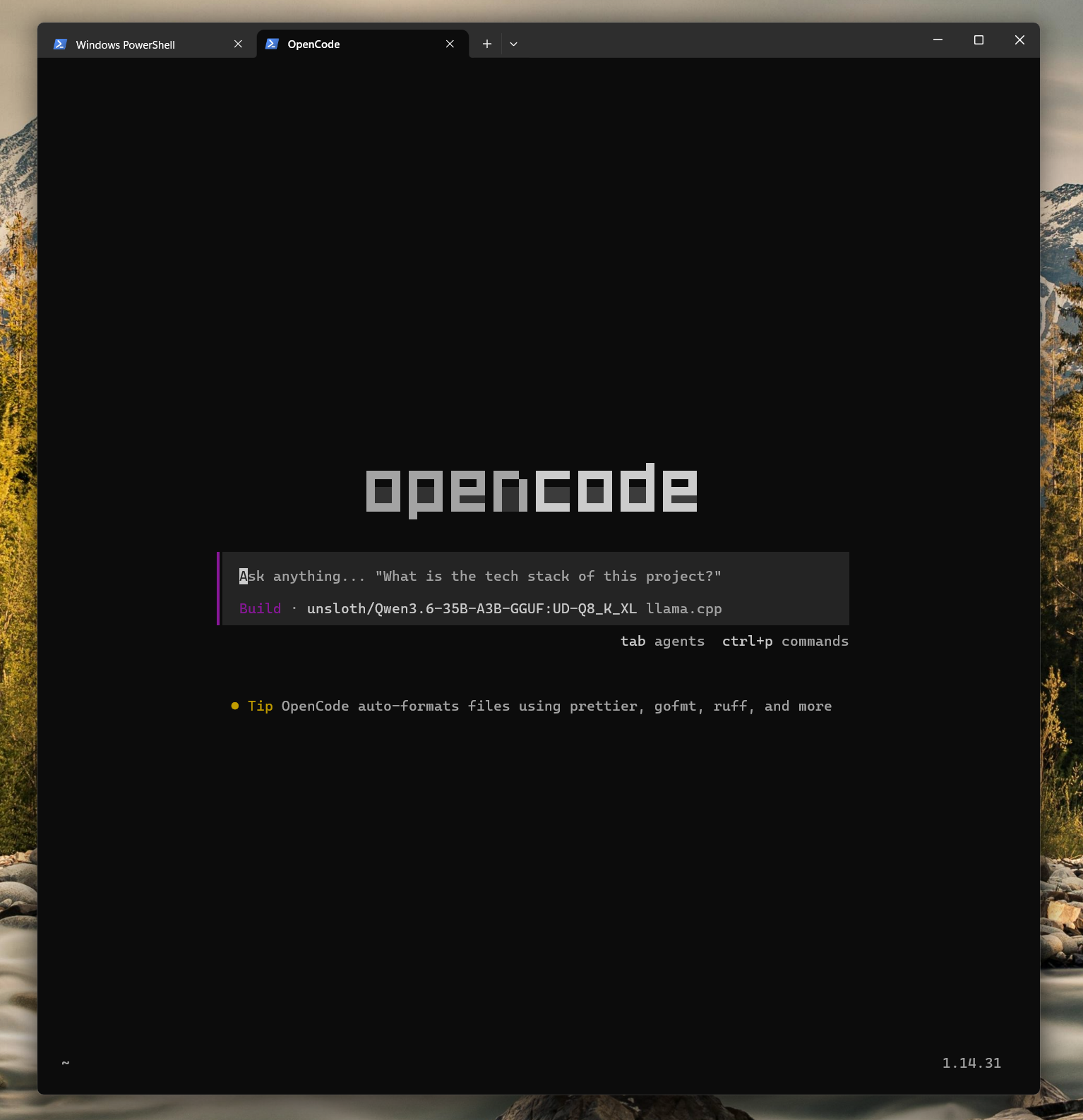
You can now run opencode, and the only available
model to prompt should be your locally running Qwen 3.6 model. We disabled
the default opencode provider via disabled_providers.
Server configuration
You may have noticed that we used a bunch of arguments when running our
llama-server. I landed on all of these after
running a bunch of experiments, and this configuration allows me to
comfortably prompt my local Qwen on my personal computer.
Now, to be 100% frank the configuration of
llama-server above is most likely not the most optimal
one. There's a bunch of factors to consider when running an inference engine on
your local machine. For instance all the RAM and VRAM this configuration will
eat up is fine for my personal use, since all I'll be doing in the background
is browsing the internet, listening to some music etc. However, at work it may
make more sense to free up some resources to allow my microphone to work properly,
pushing the envelope with memory and CPU usage with llama-server can simply make it impossible to hop on a simple Google Hangouts call on a MacBook.
These local LLMs can have great performance out of the box when you use a model with a lower number of parameters and smaller total size. However they may be too dumb to be able to replace your real life workflow you get from larger, paid models straight from Anthropic's API for instance.
That's why it is worth experimenting with bigger models quantized to a lower precision.
For instance the model I use (unsloth/Qwen3.6-35B-A3B-GGUF) at its full quantisation takes up 49.9 GB on the hard drive, while the
quant option I used here takes up 38.5 GB. The full one will not work on my
machine it seems, mostly due to requiring too much memory to stash all of
its parameters.
This is because all of the model's parameters need to be loaded into RAM and VRAM before we can prompt the model.
The model we're running in this blog post, at different quants and
llama-server configurations, keeps proving to be exactly
what I need both at work and at home. With a small disadvantage of being slower,
I use it daily at work without any loss of output quality so far.
Mixture of Experts architecture
What is interesting, is that with MoE (Mixture of Experts) architecture, the parameters can be split between RAM and VRAM. Then when it's time to compute our prompts, only some of the parameters, called experts, are activated at one time. Splitting the work between our VRAM+GPU and RAM+CPU is good enough, but of course having a GPU with hundreds of GB of VRAM which can hold all of our model's parameters is the ideal scenario.
This split doesn't make sense for dense models as dense model will activate all of the parameters every time, which means both RAM (slow) and VRAM (fast) will be used for compute, so partial offloading doesn't matter.